
iCard for Mac
Change the design of your Apple Wallet cards from your Mac.
Download iCard for Mac 2.0 MBHave a Windows PC? Download iCard for Windows →
You need
- macOS 14 (Sonoma) or later
- Your iPhone and a data cable
- Nothing else to install


Don’t update to iOS 27.2 beta 3 or later: iCard stops working there.
Install
Open the .dmg and drag iCard to the Applications folder.
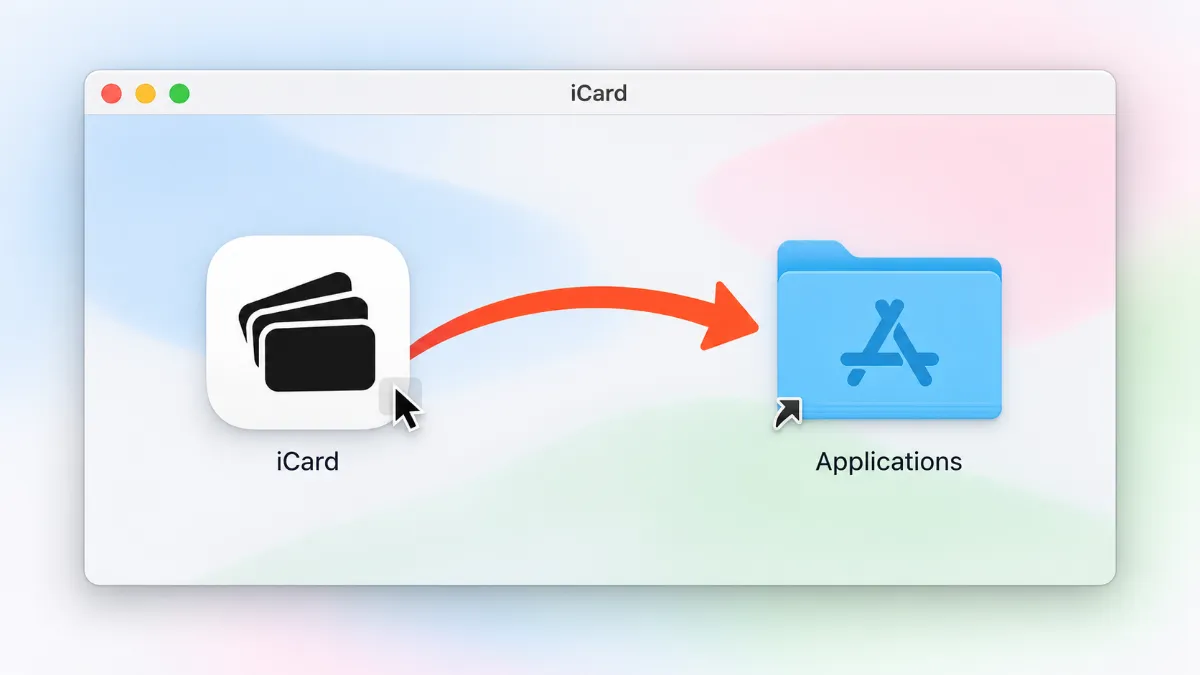
Open it. If you see “iCard” Not Opened, click “Done” or “OK”.
 Never click “Move to Trash”.
Another option: right-click iCard → “Open” → “Open”.
Allow it in Settings.
 Do this the first time
Go to “System Settings” → “Privacy & Security” → scroll down to “Security” → “Open Anyway” → enter your password.
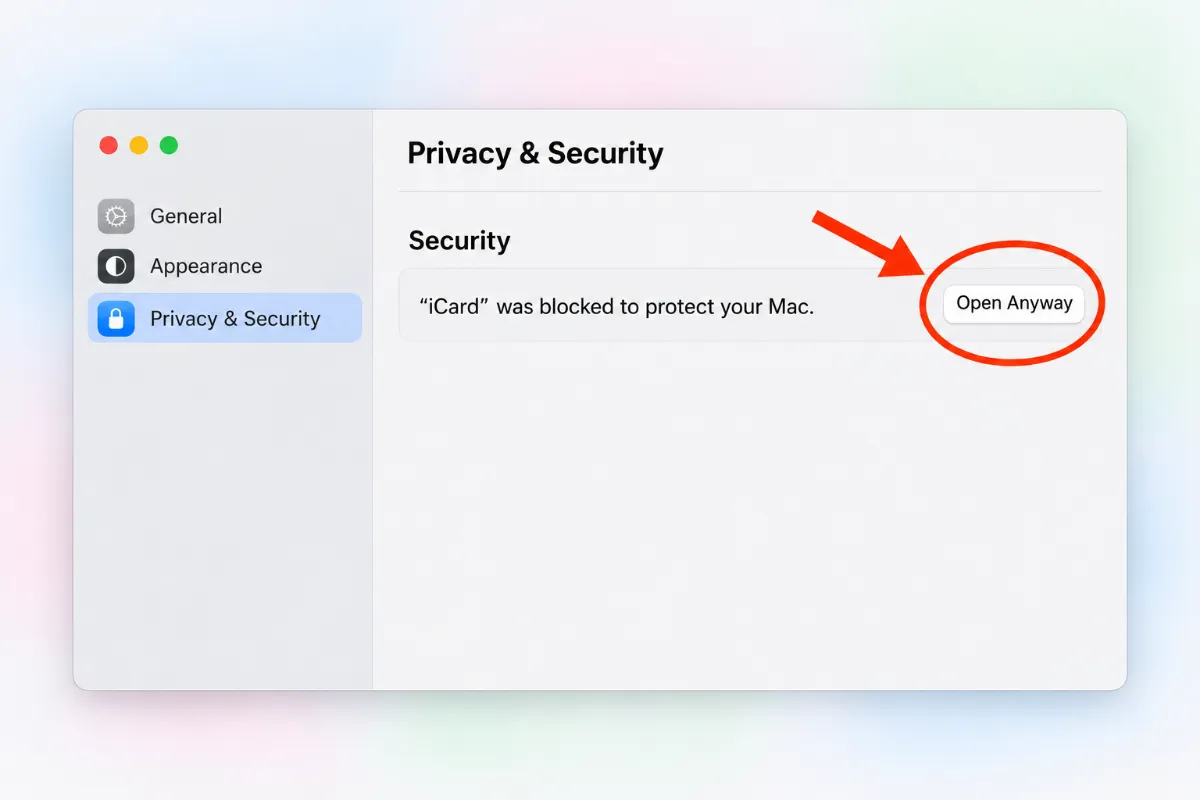
Don’t see the button? Try opening iCard again, then go back to Settings.
Use
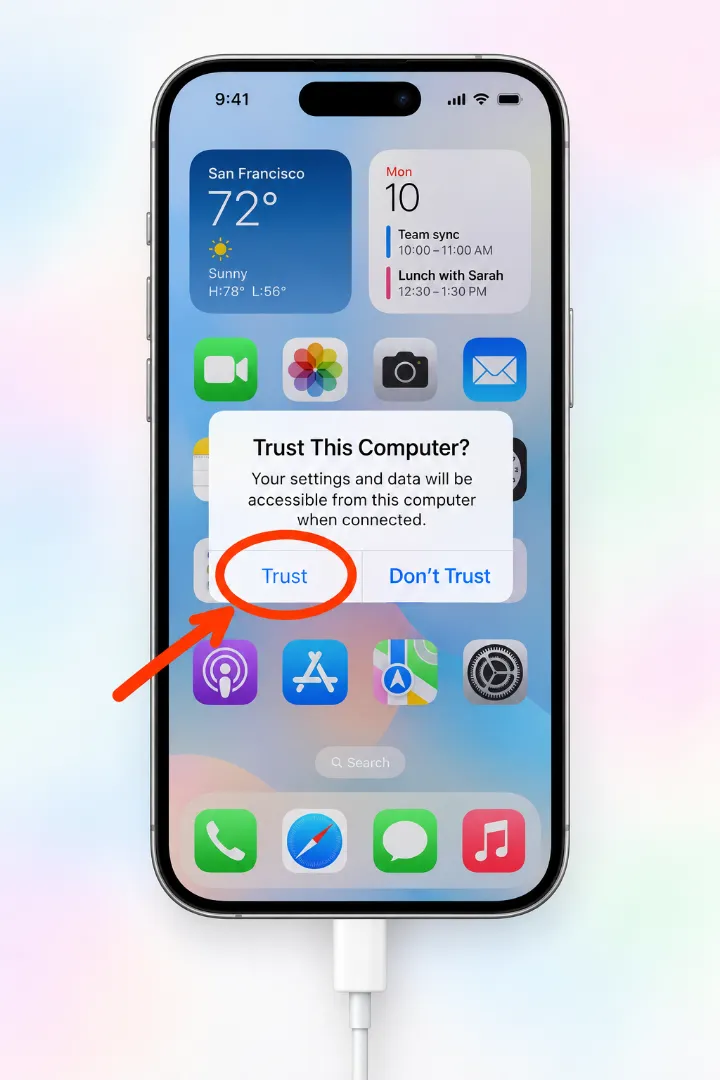
Connect your iPhone with the cable, unlock it and tap “Trust”.
Open iCard, enter your license code and click “Activate”.
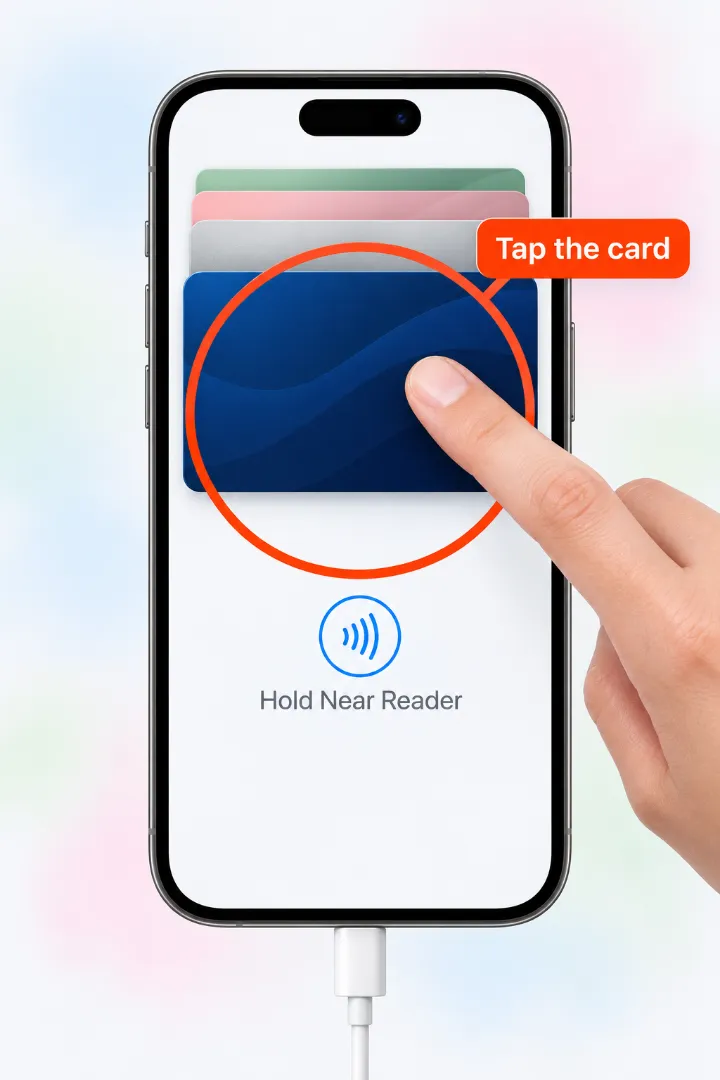
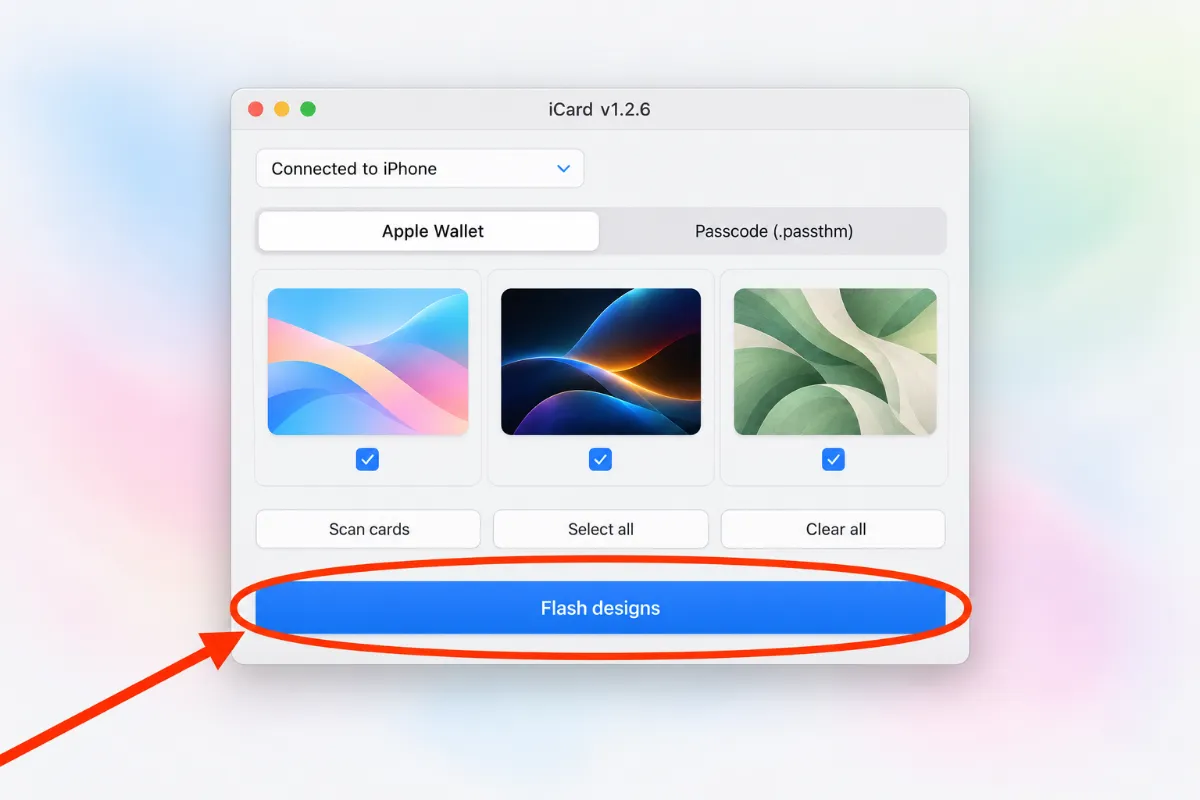
Click “Scan cards”, then tap your card in Wallet on your iPhone.
Click the card, pick your photo and click “Flash designs”.
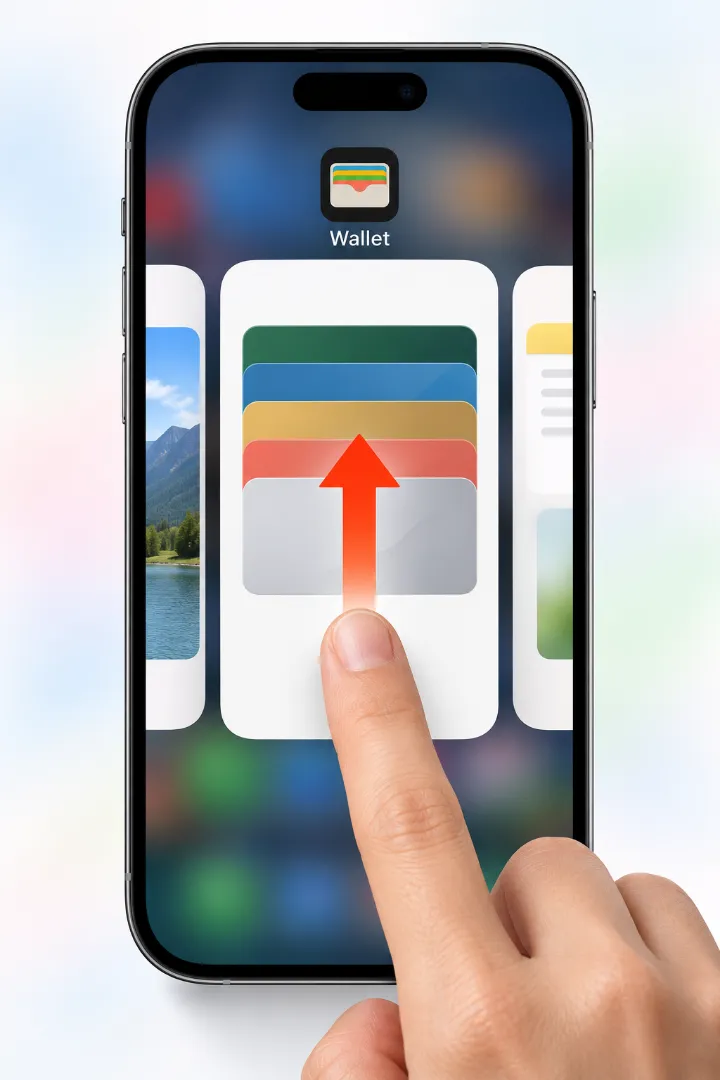
Close Wallet on your iPhone (swipe it up) and open it again.
Something not working?
It can’t find my iPhone
Unlock your iPhone, tap “Trust” and use a data cable (the original is best), plugged straight into your Mac.
Then click “Reconnect”.
The app won’t open
Repeat step 3 of Install: “System Settings” → “Privacy & Security” → “Open Anyway”.
Last resort: paste this into Terminal and press Return.
xattr -dr com.apple.quarantine /Applications/iCard.appThe card still looks the same
Fully close Wallet and open it again. If nothing changes, restart your iPhone.
Apple Card can’t be changed.
The download won’t start
Try another browser. If it warns the file “may be dangerous”, choose “Keep”.
Download iCard for Mac
Download iCard for Mac 2.0 MBHave a Windows PC? Download iCard for Windows →